 Knock Out

Knock Out : Physics Puzzle Walkthrough
Aim the cannon, match colors and clear the structure.
Independent fan-made guides. Not affiliated with the game developer.
Browse levels
Recently updated
About the game
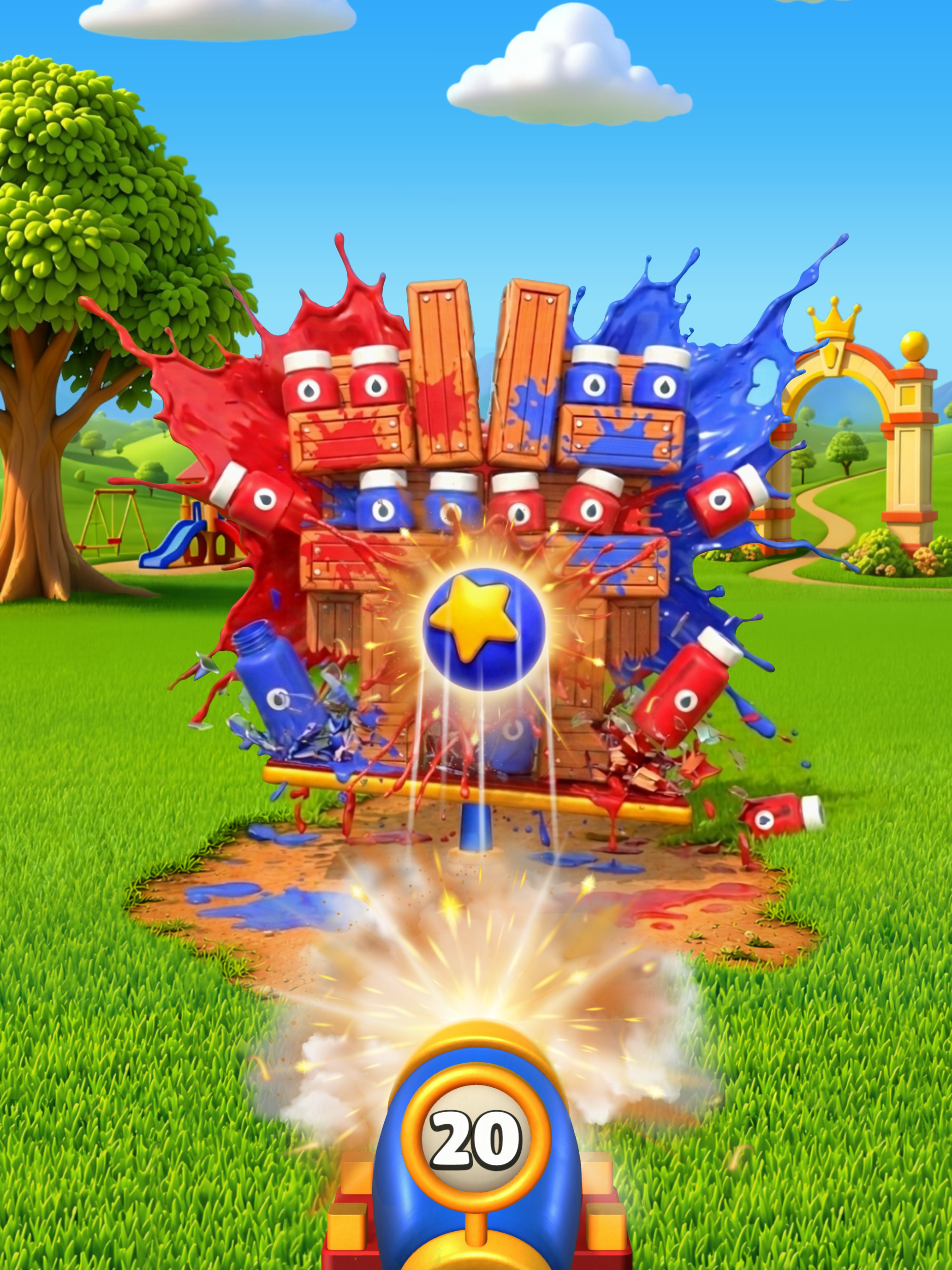
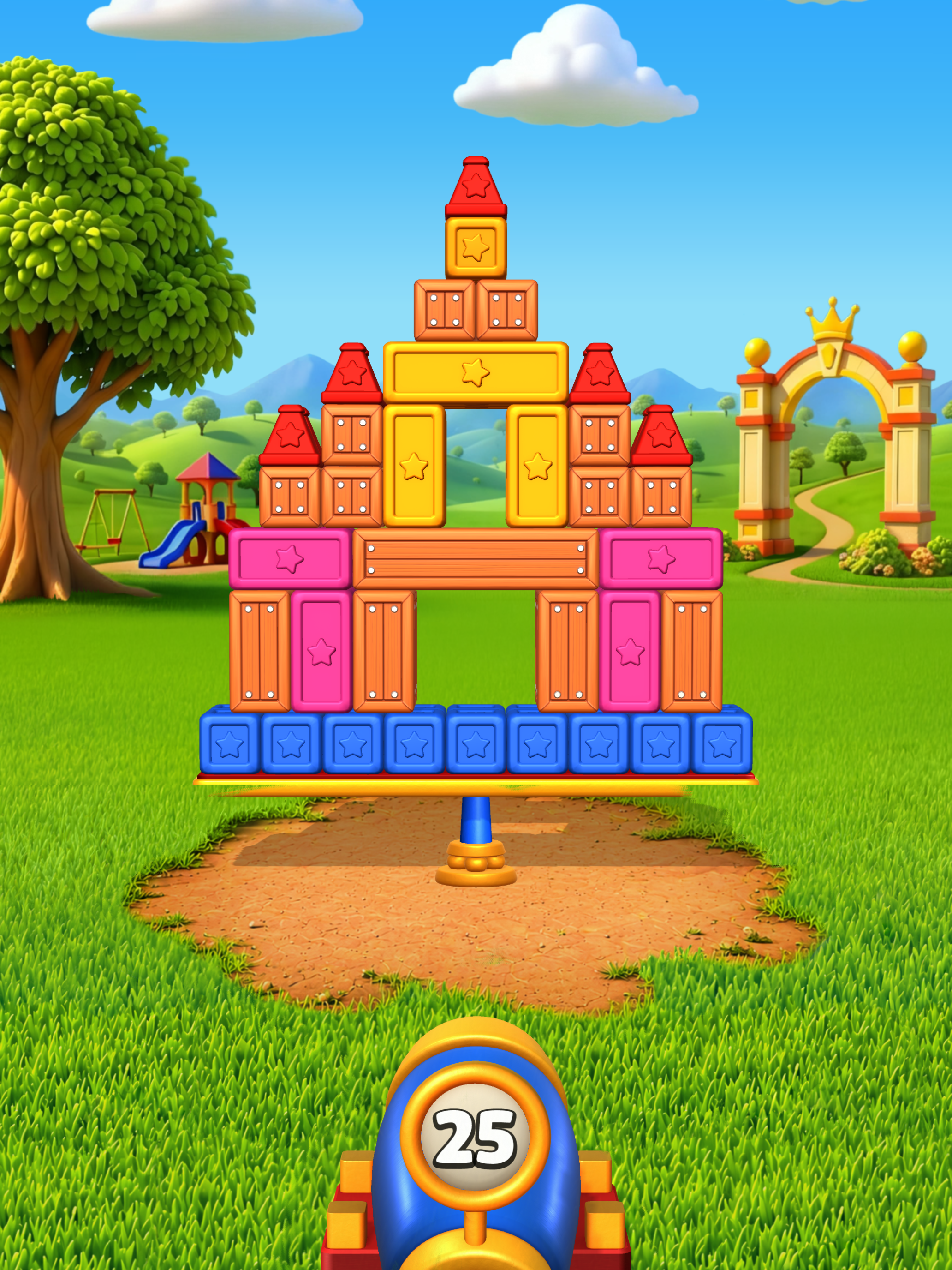
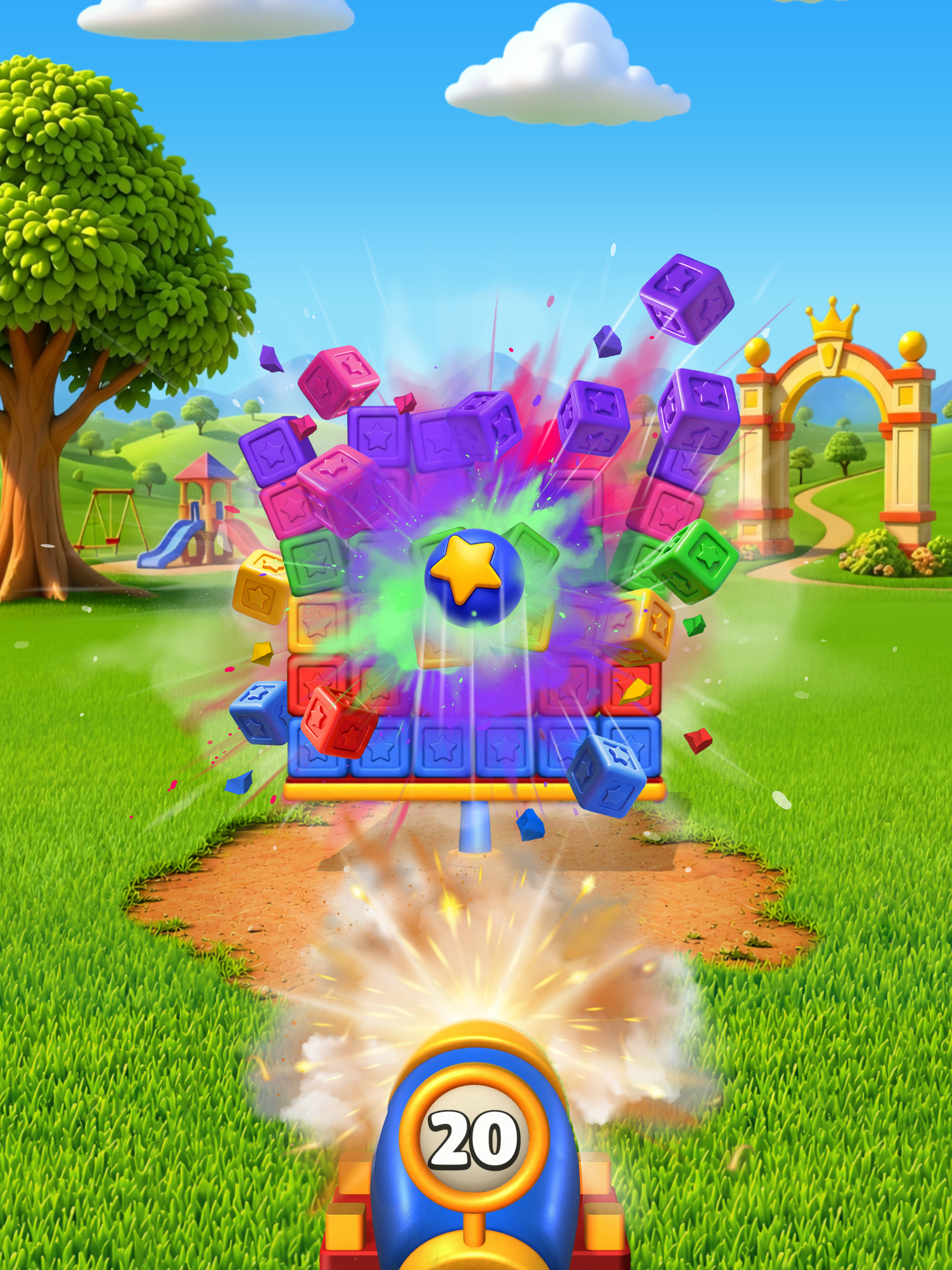
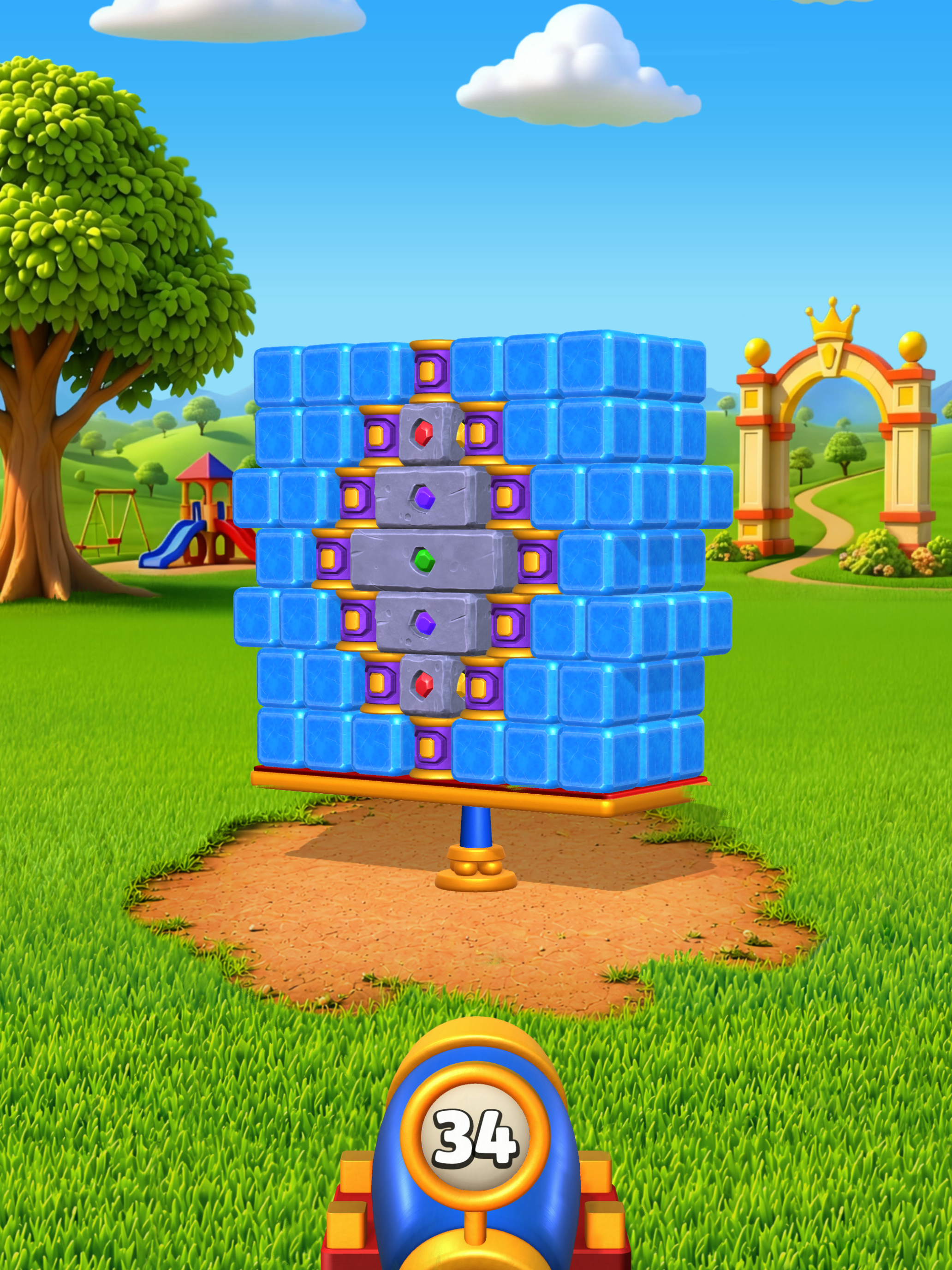
Knock Out : Physics Puzzle is a 3D block-shooting game by Combo Games. Fire matching shots at colored structures and watch the pieces shift as their supports give way.
- Publisher
- Combo Games
- Platform
- Android, iPhone, iPad, Windows (Google Play Games)
- Guide coverage
- 214 levels
- Last updated
- Game store
- Google Play
 · App Store
Game screens from Knock Out : Physics Puzzle
Video compilations
- Levels 1–20Offline Gaming
- Levels 1–20Ranked Top List
- Levels 1–100Popular Gaming
- Levels 1–120Zooze
- Levels 20–40Ranked Top List
- Levels 21–40Offline Gaming
- Levels 41–60Offline Gaming
- Levels 209–218Popular Gaming
- Levels 219–228Popular Gaming
- Levels 229–240Popular Gaming
- Levels 241–250Popular Gaming
- Levels 251–260Popular Gaming
- Levels 261–270Popular Gaming
- Levels 271–280Popular Gaming
- Levels 281–290Popular Gaming
- Levels 291–300Popular Gaming
- Levels 303–310Popular Gaming
- Levels 311–320Popular Gaming
- Levels 321–330Popular Gaming
- Levels 331–340Popular Gaming
- Levels 341–350Popular Gaming
- Levels 351–360Popular Gaming
- Levels 361–370Popular Gaming
- Levels 371–380Popular Gaming
- Levels 381–390Popular Gaming
- Levels 391–400Popular Gaming
- Levels 401–410Popular Gaming
- Levels 411–420Popular Gaming
- Levels 421–430Popular Gaming
- Levels 431–440Popular Gaming
- Levels 441–450Popular Gaming
- Levels 461–470Popular Gaming
- Levels 471–480Popular Gaming
- Levels 481–490Popular Gaming
- Levels 491–500Popular Gaming
- Levels 501–510Popular Gaming
- Levels 511–520Popular Gaming
- Levels 521–530Popular Gaming
- Levels 531–540Popular Gaming
- Levels 541–550Popular Gaming
- Levels 551–560Popular Gaming
- Levels 561–570Popular Gaming
- Levels 571–580Popular Gaming
- Levels 581–590Popular Gaming
- Levels 591–600Popular Gaming
- Levels 601–610Popular Gaming
- Levels 611–620Popular Gaming
- Levels 621–630Popular Gaming
- Levels 631–640Popular Gaming
- Levels 641–650Popular Gaming
- Levels 651–660Popular Gaming
- Levels 661–670Popular Gaming
- Levels 671–680Popular Gaming
- Levels 681–690Popular Gaming
- Levels 691–700Popular Gaming
- Levels 701–710Popular Gaming
- Levels 711–720Popular Gaming
- Levels 721–730Popular Gaming
- Levels 731–740Popular Gaming
- Levels 741–750Popular Gaming
- Levels 751–760Popular Gaming
- Levels 761–770Popular Gaming
- Levels 771–780Popular Gaming
- Levels 781–790Popular Gaming
- Levels 791–800Popular Gaming
- Levels 801–820Popular Gaming
- Levels 821–840Popular Gaming
- Levels 841–860Popular Gaming
- Levels 861–880Popular Gaming
- Levels 881–900Popular Gaming
- Levels 901–920Popular Gaming
- Levels 921–940Popular Gaming
- Levels 941–960Popular Gaming
- Levels 961–980Popular Gaming
- Levels 981–1000Popular Gaming
- Levels 1001–1020Popular Gaming
- Levels 1021–1040Popular Gaming
- Levels 1041–1080Popular Gaming
Clear the board with color-matched shots, then let gravity do the work. Combo Games released Knock Out : Physics Puzzle for iPhone and iPad on June 30, 2026. The Android listing calls the same game Knock Out.
Read the whole structure first
The cannon points at a three-dimensional build. Before taking a shot, look from the base to the top. Two adjacent blocks may be different colors, and two blocks of the same color may serve entirely different jobs. A piece at the edge can be an easy hit, while one under a long beam might be holding up several pieces. Read the board as a structure before you treat it as a list of colors. That small pause helps most when the top half is crowded.
Make the cannon color work for you
The game is about firing matching blocks and setting off chain reactions. Start by looking for a clear face in the current color. A face that fills more of the view tends to be easier to aim at than a tiny sliver between pieces. If you can see two eligible targets, compare what would remain after each hit. A useful shot exposes another surface or weakens a crowded group. If the only useful match is off to one side, take the clear shot and read the new arrangement before spending another.
Think about what will fall
Look for bridges, narrow columns and stacks with more pieces above than below. Taking away a low support may loosen a whole cluster, particularly when nearby pieces have room to drop. A support is a good candidate only if it can be hit cleanly with the shot you have. If you weaken one side of a symmetrical tower, follow the movement before deciding whether to mirror the shot. The two sides can end up very different once the middle starts to shift.
Give the board a moment
A hit changes more than the target. A falling piece can uncover a block, move a match out of reach or leave a small group close to the platform. Use the pause after an impact to locate the final resting position. If the new shot is already lined up on your screen, your old target may be a poor choice now. Recheck the current cannon color and the visible surfaces before committing. This habit helps with the last few pieces, when there are fewer obvious targets.
Use the on-screen information
Check the goal and the number shown by the cannon as you play. On a crowded board, it is easy to count shots in your head and forget the actual state after an animation. If a help item appears, read its in-game description and compare it against the problem you're solving. An exposed stubborn block, a blocked angle and an unstable tower call for different decisions. The best time to consider a tool is when you understand what the next ordinary shot can achieve.
When a video helps most
Compare the opening shape with the board on your device. Look at the base, the color of the largest visible groups and any panel in front of the pieces. Pause at the first moment that looks different. If the opening already differs, read the example for its targeting method and adapt it to your board. If the opening matches, watch one shot at a time and compare its aftermath on your device before copying the next one. A whole compilation is easier to use when you rewind around the specific hit you're trying to understand.
What to do when you're stuck
Identify the first shot after which you ran out of useful targets. A second attempt is most informative if you change only that decision. Watch where the removed block was, what shifted above it and which faces became exposed. If your issue is with loading or saving, note the app version and the level shown on screen. Restart the app before trying changes that affect local data, and use the developer support link in the store for game or purchase problems.
Find the right version
Google Play and the App Store use slightly different names for this game. Look for the developer and the 3D cannon-and-block gameplay when checking a store page or video. The game listing describes offline play. Watching a guide here requires a connection to YouTube after you choose to open the player. These walkthroughs focus on the board and its mechanics. The game screen is your reference for any purchase, tool prompt or progress message you see on your own device.
Frequently asked questions
What is the basic goal?
Use the cannon to clear the structure and meet the level goal shown in the game.
Does matching color matter?
Yes. Start with clear matching faces and watch how the surrounding blocks react.
What should I look at before firing?
Check the current shot color, the open target face and what it might be holding up.
Why does a stack still stand after I hit it?
Other supports may still be in place. Wait for movement to stop and check where it rests.
Can I play offline?
The developer lists offline gameplay. The embedded walkthrough videos require internet access.
Where should I report a game problem?
Open the developer support link on the App Store or Google Play listing and include the app version and level number.